


It’s simple—if customers can’t find you on Google Maps, they find your competitors instead. That’s why optimization of Google My Business (GMB) is essential for improving local search rankings, driving more traffic, and increasing conversions.
With Google SEO, businesses can enhance their online presence and attract more local customers. As a mom-and-pop business or a large enterprise, optimizing your Google My Business listing ensures that your brand stands out in local searches. In this guide, we’ll walk you through everything you need about GMB optimization.
Google My Business acts as your digital storefront on Google Search and Maps. When users search for services near them, Google pulls up the local pack, a set of three businesses displayed at the top of search results.
Appearing in this prime spot means:
To achieve these benefits, businesses must focus on Google Maps optimization by providing accurate, up-to-date, and engaging business details.
The first step in optimization is claiming and verifying your Google My Business profile. Here’s how:
Verifying your business gives you full control over your listing, and you can update important details as needed.
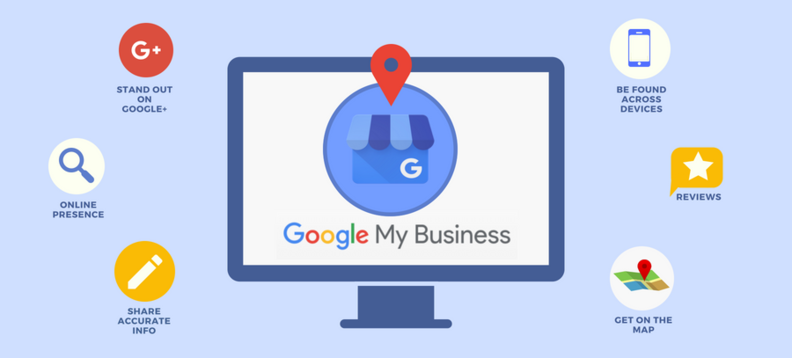
Google rewards businesses with complete and accurate information. Make sure to fill out every detail in your Google My Business profile, including:
Businesses with photos and videos get 42% more requests for directions and 35% more clicks to their websites. To enhance Google Maps optimization, upload:
Google Posts lets you share updates, promotions, and events directly on your GMB listing. These posts appear in search results and are a great way to engage potential customers.
Best practices for Google Posts:
Customer reviews play a huge role in local rankings. Businesses with high ratings and frequent reviews appear more often in Google Maps SEO results.

A steady flow of authentic reviews builds trust and boosts local search visibility.
Integrating relevant keywords in your Google My Business listing helps Google understand your business better. Use keywords naturally in:
For example, if you run an SEO agency, incorporating phrases like “SEO services in Chicago” or “best local SEO company” can help improve rankings.
Google prioritizes active business listings. Stay relevant by:
Google provides detailed insights to track your listing’s performance, including:
Use this data to refine your Google Maps SEO strategy and attract local customers.
Optimizing your Google My Business listing isn’t just about visibility—it’s about winning local customers and staying ahead of the competition. At Dabaran, we specialize in Google Maps SEO, helping businesses rank higher in local searches and increase foot traffic.
From keyword optimization to review management and Google Maps optimization, we aim to get your business the exposure it deserves.
If you’re ready to dominate local search results, partner with Dabaran today and take your Google My Business listing to the next level!

email@dabaran.com

332 S Michigan Ave, Chicago,
IL 60604
11516 183rd Pl Unit NE
Orland Park, IL 60467

Programs provi patient peace mind when option.
